

India has over 900 million internet users — yet most small businesses, students and freelancers still do not have a website. Not because building one is expensive or complicated, but because nobody showed them the exact steps.
This guide fixes that.
By the time you finish reading, you will know exactly how to create a professional WordPress website in India — from picking a hosting plan to publishing your first page online. No coding. No technical knowledge. Just a clear, step-by-step process that anyone can follow.
Why WordPress Is the Best Choice for Indian Websites
Before jumping into the steps, it helps to understand why WordPress is the right platform for your website.
According to W3Techs, WordPress powers over 43% of all websites on the internet. It is used by solo bloggers, large corporations, news portals, e-commerce stores and everything in between. In India specifically, WordPress dominates because:
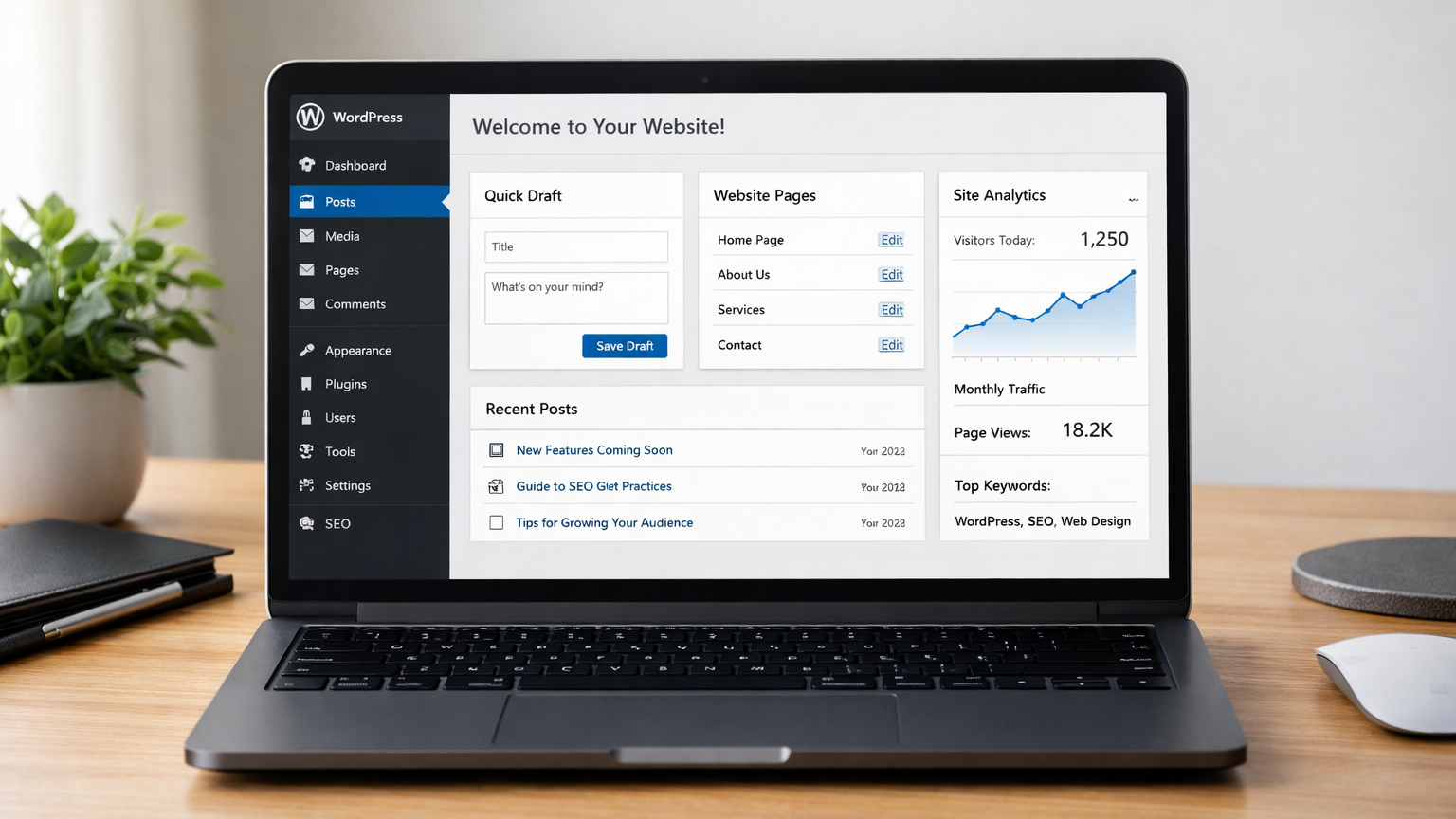
- It requires zero coding knowledge
- Thousands of free themes and plugins are available
- It is fully optimised for Google search rankings
- It works perfectly on mobile devices
- It supports Indian payment gateways like Razorpay and PayU
- It scales from a personal blog to a full business website
Most importantly, WordPress itself is completely free. You only pay for hosting and a domain name — which combined can cost as little as ₹179 per month in India.
What You Need Before You Start
Creating a WordPress website requires exactly three things:
1. Web Hosting
A web hosting service stores your website files on a server and makes them accessible to anyone on the internet. Without hosting, your website cannot exist online. Think of it like renting space in a building — your website lives there.
2. A Domain Name
Your domain name is your website address — for example, yourbusiness.com or yourblog.in. Every website needs a unique domain name to be accessible on the internet.
3. WordPress Software
WordPress is the free software that powers your website. Most Indian hosting providers offer one-click WordPress installation, so you do not need to download or configure anything manually.
Step 1 — Choose a Reliable Hosting Plan
Your hosting provider is the single most important decision you will make for your website. A bad host means slow loading speeds, frequent downtime, and zero support when something goes wrong.
When evaluating hosting providers in India, these four features are non-negotiable:
Free SSL Certificate
SSL gives your website the HTTPS padlock that visitors see in their browser. Without SSL, Google Chrome displays a “Not Secure” warning on your website — which immediately destroys visitor trust. Google also ranks HTTPS websites significantly higher than HTTP ones. Every hosting plan you consider must include a free SSL certificate.
LiteSpeed Servers

LiteSpeed web server technology loads websites up to six times faster than traditional Apache servers. For Indian users — particularly those on mobile connections — this speed difference is enormous. Faster loading directly improves your Google search rankings and reduces the number of visitors who leave before your page fully loads.
Automatic Daily Backups
Websites get hacked. Plugins cause conflicts. Human error happens. Daily automatic backups mean that no matter what goes wrong, you can restore your website to a working state within minutes. Never choose a hosting provider that does not include regular backups.
Indian Customer Support
When your website has a problem, you need help immediately — not after submitting a support ticket and waiting 48 hours for a reply from an international team. Look for hosting providers that offer real-time WhatsApp support in English, so you get answers fast from people who understand your
specific situation.
AzubaHost provides all four of these features starting at ₹179 per month — built specifically for Indian students, bloggers and small businesses. Every plan includes free SSL, LiteSpeed servers, Imunify360 security, daily backups and 24/7 WhatsApp support with no hidden charges.
View AzubaHost Hosting Plans →
Step 2 — Register Your Domain Name
Your domain name is often the first impression visitors have of your brand. Choosing the right one matters.
Follow these guidelines when selecting your domain:
- Keep it under 15 characters — shorter is easier to remember
- Use .com for broad appeal or .in for India-focused websites
- Avoid hyphens, numbers and unusual spellings
- Make it relevant to your brand, business or niche
- Check that the name is not already trademarked
Good examples of domain names for Indian websites:
- techblogindia.com
- arindam.design
- mybakery.in
- freelancerkolkata.com
Register your domain as soon as you have decided — good names get taken quickly.
Step 3 — Place Your Hosting Order
Once you have selected your hosting plan and domain name, ordering is a simple process:
- Visit your hosting provider’s plans page
- Choose your preferred plan based on your needs and budget
- Enter your desired domain name during checkout
- Complete payment via UPI — GPay, PhonePe or Paytm
No credit card needed. No complicated forms. With AzubaHost, your hosting is fully configured within 2 to 4 hours and your WordPress login details are sent directly to your WhatsApp.
Step 4 — Install WordPress
With a modern Indian hosting provider, installing WordPress takes under five minutes:
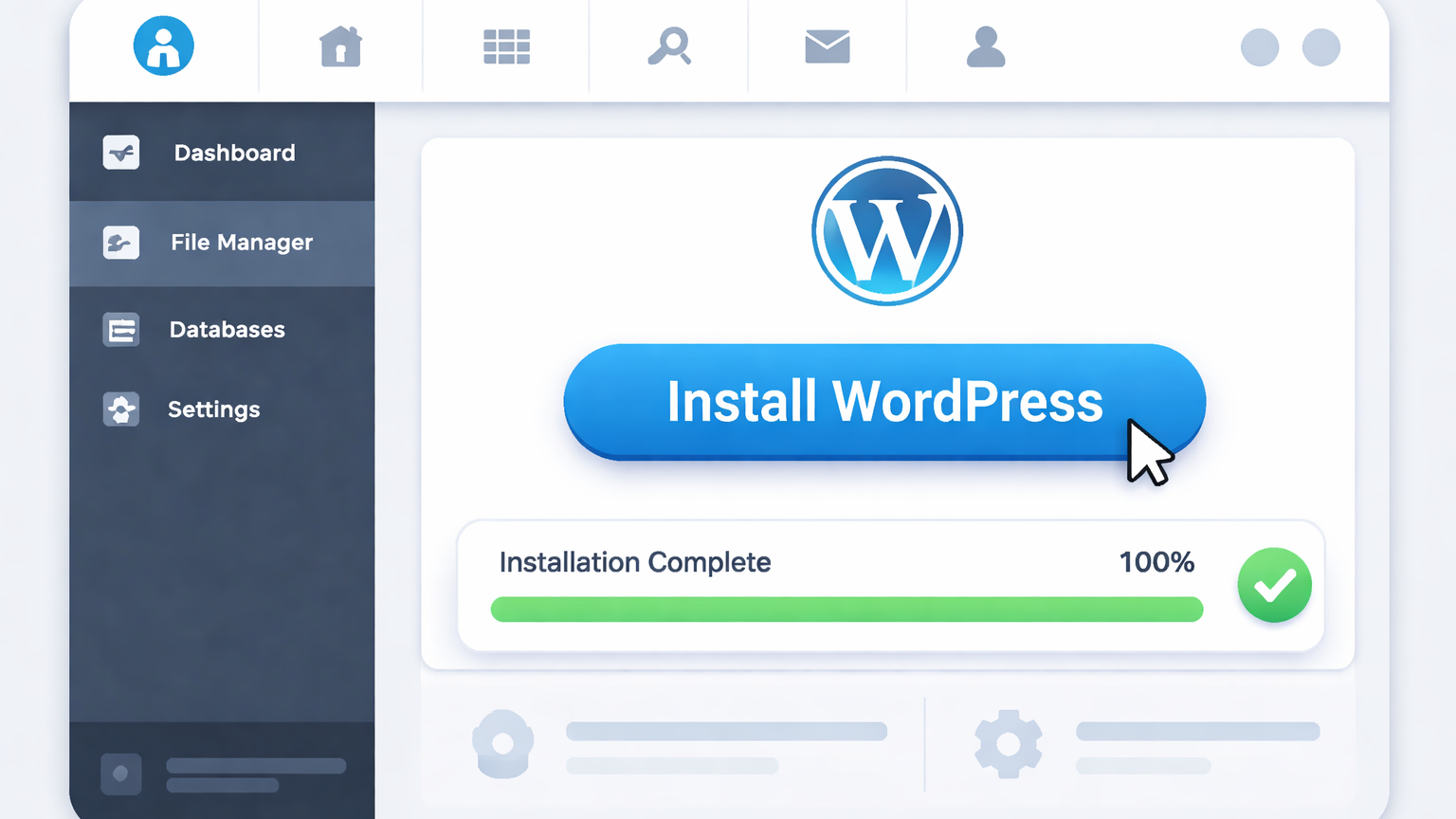
- Log in to your hosting dashboard
- Locate the WordPress installer (usually labelled “1-Click Install”)
- Enter your website title and choose your admin username and password
- Click Install
- Wait 2 to 3 minutes
WordPress is now installed. You will receive a link to your WordPress admin dashboard where you can log in and start building your website.
Step 5 — Set Up Your Website
After logging into your WordPress dashboard for the first time, you will see the admin panel — the control centre of your website. Here is how to set it up properly:
Choose a Theme
Go to Appearance → Themes → Add New. A theme controls the visual design of your website. Popular free themes that work well for Indian websites include Astra, OceanWP and GeneratePress — all of which are fast, mobile-friendly and SEO-optimised.
Install Essential Plugins
Plugins add specific features to your WordPress website. Every beginner should install:
- Yoast SEO — optimises your website for Google search rankings
- LiteSpeed Cache — significantly improves your website loading speed
- Wordfence Security — protects your website from hackers and malware
- Contact Form 7 — adds a professional contact form to your website
Create Your Core Pages
Every website needs these essential pages at minimum:
- Home — your main landing page introducing your brand
- About — your story, background and why visitors should trust you
- Services or Blog — what you offer or your content hub
- Contact — how people can reach you
For a complete guide to setting up your pages, see our About AzubaHost page for an example of how to structure your website effectively.
Step 6 — Publish Your First Content
A website without content is invisible to Google. Publishing your first blog post or page is what signals to Google that your website is active and worth indexing.
When writing your first blog post, follow these principles:
- Write at least 1000 words — short posts rarely rank well on Google
- Focus on a specific question your target audience is searching for
- Use clear headings to break up your content Include at least one internal link to another page on your website
- End with a clear call to action telling readers what to do next
Once you are satisfied with your content, click Publish. Your page is now live on the internet.

Common Mistakes Indian Beginners Make
These mistakes cost website owners months of lost progress:
Choosing the cheapest hosting without checking quality Extremely cheap or free hosting almost always means slow speeds, zero support and frequent downtime. The small additional cost of quality hosting pays for itself many times over in better performance and reliability.
Launching without SSL
There is no valid reason to have a website without HTTPS in 2026. If your hosting provider does not include a free SSL certificate, switch to one that does.
Ignoring mobile users
Over 70% of Indian internet traffic comes from mobile devices. Your website must look and function perfectly on smartphones before you consider it ready to launch.
Publishing low-quality content
Google rewards websites that publish detailed, genuinely helpful content. Ten well-researched, comprehensive pages will always outperform one hundred thin, low-effort pages in search rankings.
Never updating the website
Google favours websites that are regularly updated with fresh content. Publishing new blog posts consistently — even once or twice a week — significantly improves your search rankings over time.
Frequently Asked Questions
How much does it cost to create a WordPress website in India?
WordPress is free. You pay only for hosting and your domain name. With AzubaHost, hosting starts at ₹179 per month with no setup fees and no hidden charges.
Do I need coding knowledge to build a WordPress website?
No. WordPress is designed specifically for non-technical users. You can build a complete professional website without writing a single line of code.
How long does it take to build a WordPress website?
Your hosting setup is ready within 2 to 4 hours with AzubaHost. Building your pages and writing your initial content typically takes one to three days depending on how much content you plan to publish.
Can I sell products on a WordPress website in India?
Yes. WordPress combined with the free WooCommerce plugin supports UPI payments, Indian GST calculations and all major Indian payment gateways including Razorpay, PayU and Instamojo.
What is the difference between WordPress.com and WordPress.org?
WordPress.com is a hosted service with restrictions on customisation and monetisation. WordPress.org is the free, self-hosted software you install on your own hosting — giving you complete control over every aspect of your website.
Final Thoughts
Creating a WordPress website in India is genuinely straightforward when you follow the right process. Choose a reliable hosting provider, register your domain, install WordPress in one click and start publishing content that helps your target audience.
The single biggest mistake most people make is waiting too long to start. A simple, well-maintained website that is live today will always outperform a perfectly planned website that never launches.
If you need help getting started, AzubaHost handles the
complete hosting setup and WordPress installation for you —
so you can focus entirely on building your website and
growing your business.
Ready to get your website online today?
Browse AzubaHost Hosting Plans →
Starting at ₹179/month — Free SSL — LiteSpeed Speed —
24/7 WhatsApp Support — No Hidden Charges.